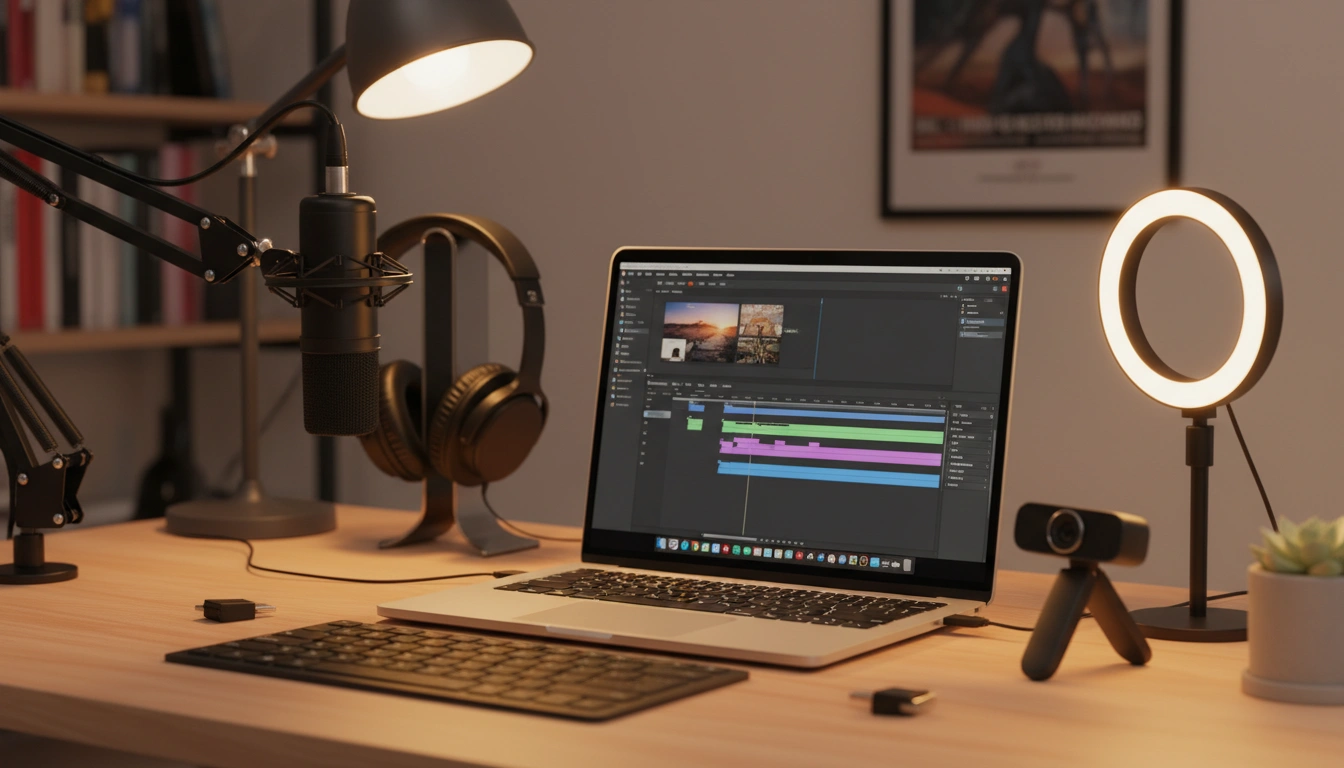
What It Does
OneBuddy includes a complete screen recording suite accessible directly from the Chrome side panel: record your full display at 1920x1080 / 30fps, or record individual tabs with audio via Chrome's Tab Capture API. Pause and resume recordings at any point without starting over, and see elapsed recording time displayed during capture for precise timing. All recordings are stored in a built-in thumbnail gallery where you can preview, download, or delete captures with ease. There are no time limits on any recording, no watermarks added to your output, and no subscription or account required. OneBuddy's screen recorder is completely free and works immediately after installation.
Why It's Better Than Standalone Extensions
Loom limits free recordings to 5 minutes and adds branding watermarks. Screencastify caps free recordings at 5 minutes with a watermark. OneBuddy gives you unlimited recordings with no watermark and no time cap, plus adds full-page screenshots, visible tab capture, and a built-in gallery — alongside productivity and privacy tools. All free. By combining screen recording with screenshots and 12 other tools in one Chrome extension, you eliminate the need for Loom, Screencastify, and a separate screenshot tool, saving significant browser memory and reducing extension clutter.
Feature Breakdown
Full Screen Recording
Record your entire display at 1920x1080 / 30fps with no time limits.
Tab Recording with Audio
Record individual tabs with tab audio using Chrome's Tab Capture API.
Pause & Resume
Pause and resume recordings at any time — no need to start over.
Time Display
See elapsed recording time during capture for precise timing.
Built-in Gallery
All recordings are stored in a thumbnail gallery for easy preview, download, or deletion.
No Watermark
Recordings are clean — no OneBuddy branding or watermarks added.
Key Benefits
Who Uses This
Frequently Asked Questions
Is there a time limit on recordings?
Does it add a watermark?
Can I record tab audio?
Where are recordings stored?
How is this different from Loom?
Is the screen recorder extension free in 2026?
How does OneBuddy compare to Screencastify?
Try It Free — No Account Needed
Add OneBuddy to Chrome and access this feature plus 14 more tools — completely free.
Add to Chrome — Free