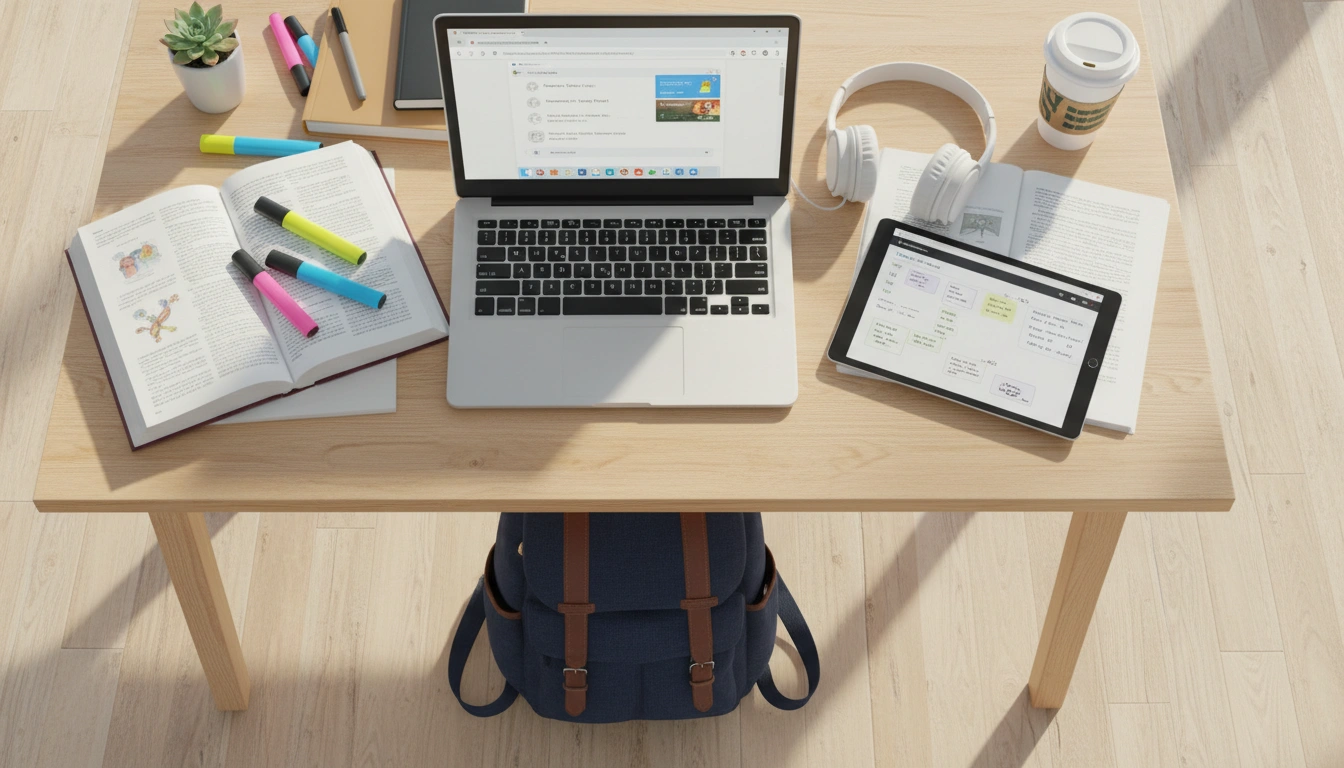
Students face unique productivity challenges that are different from typical office workers. Long study sessions that stretch 4-8 hours, constant digital distractions from social media and messaging apps, research that requires juggling dozens of open tabs, and the physical strain of extended screen time during lectures, homework, and exam prep. The right Chrome extensions address all of these challenges without adding unnecessary complexity.
Focus timers based on the Pomodoro Technique are consistently rated as the single most effective digital study tool. Research on student productivity shows that breaking study sessions into 25-50 minute intervals with short breaks prevents mental fatigue and significantly improves information retention. A study from the University of Waterloo found that students who used structured study intervals scored 15% higher on recall tests compared to those who studied in marathon sessions.
Why browser-based timers beat phone timers for studying. When your timer is in your browser — the same environment where you're studying — you're less likely to pick up your phone (a major distraction vector). The best browser Pomodoro timers also include website-blocking features that prevent you from visiting social media, YouTube, Reddit, or other time-wasting sites during your focus intervals. When the break starts, access is restored. This automated discipline is incredibly effective for students who struggle with self-control online.
Clipboard managers are invaluable for research-heavy courses and essay writing. When you're copying quotes, statistics, data points, and references from multiple academic sources — Google Scholar articles, online textbooks, course websites, Wikipedia — a clipboard history lets you revisit and organize everything you've copied without re-visiting each source. Many clipboard managers also track the source URL for each copied item, making it easy to create proper citations and bibliographies.
Ad blockers dramatically improve the study experience. Educational websites, research databases, and free textbook sites are often loaded with distracting advertisements — flashing banners, auto-playing video ads, and popup overlays. Ad blockers remove this visual noise so you can focus on the actual content. They also speed up page loading times significantly, which matters when you're clicking through dozens of research results. As a bonus, blocking trackers protects your privacy while browsing.
Note-taking extensions let you capture ideas without breaking your study flow. The best study note extensions let you highlight text on any webpage, add annotations, save snippets to organized collections, and search across all your notes later. This is far more efficient than copying text into a separate document, because your notes remain linked to their source pages.
Health reminders are critically important for students who routinely study for 4-8 hours straight. Eye strain is a significant problem: the American Optometric Association reports that prolonged screen time causes digital eye strain in 50% of computer users, with symptoms including headaches, blurred vision, dry eyes, and neck pain. The 20-20-20 rule — every 20 minutes, look at something 20 feet away for 20 seconds — is one of the most effective preventive measures, but almost nobody remembers to do it without an automated reminder.
Hydration reminders are equally important. Studies show that even mild dehydration (1-2% body water loss) impairs cognitive function, reduces concentration, and increases fatigue. When you're deep in a study session, it's easy to forget to drink water for hours. An automated hydration reminder every 30-45 minutes keeps your brain functioning at its best.
Standing and stretching reminders help prevent the back pain, neck stiffness, and shoulder tension that come from sitting in the same position for hours. Students who take brief physical breaks every 45-60 minutes report less physical discomfort and better sustained concentration throughout their study sessions.
Screen recording is a surprisingly useful study tool that many students overlook. Record your screen while working through practice problems, explaining concepts to yourself, or creating study guides — then review the recordings before exams. Teaching a concept (even to yourself) is one of the most effective learning techniques, and having a recording means you can revisit the explanation anytime.
The most effective student setup uses a single, all-in-one extension that combines a focus timer, clipboard manager, ad blocker, health reminders, note-taking, and screen recording. This avoids the complexity and performance overhead of managing 5-6 separate tools, ensures all features work together seamlessly, and uses less of your laptop's memory — important when you're already running Chrome with 40 tabs open.
Getting started: Install an all-in-one extension like OneBuddy, set a 25-minute Pomodoro timer for your next study session, and commit to taking real breaks when the timer goes off. Small changes in how you structure your study time can lead to dramatically better results — and better health — over the course of a semester.